
Platform Architecture & Reference
SentrixFM Documentation
Overview of schema-per-company isolation, BPMN workflow design and SOP templates.
Interactive Feature Walkthrough
Explore SentrixFM in Action
Discover the powerful features that make SentrixFM the leading CAFM solution for modern facilities management
Asset Lifecycle Management
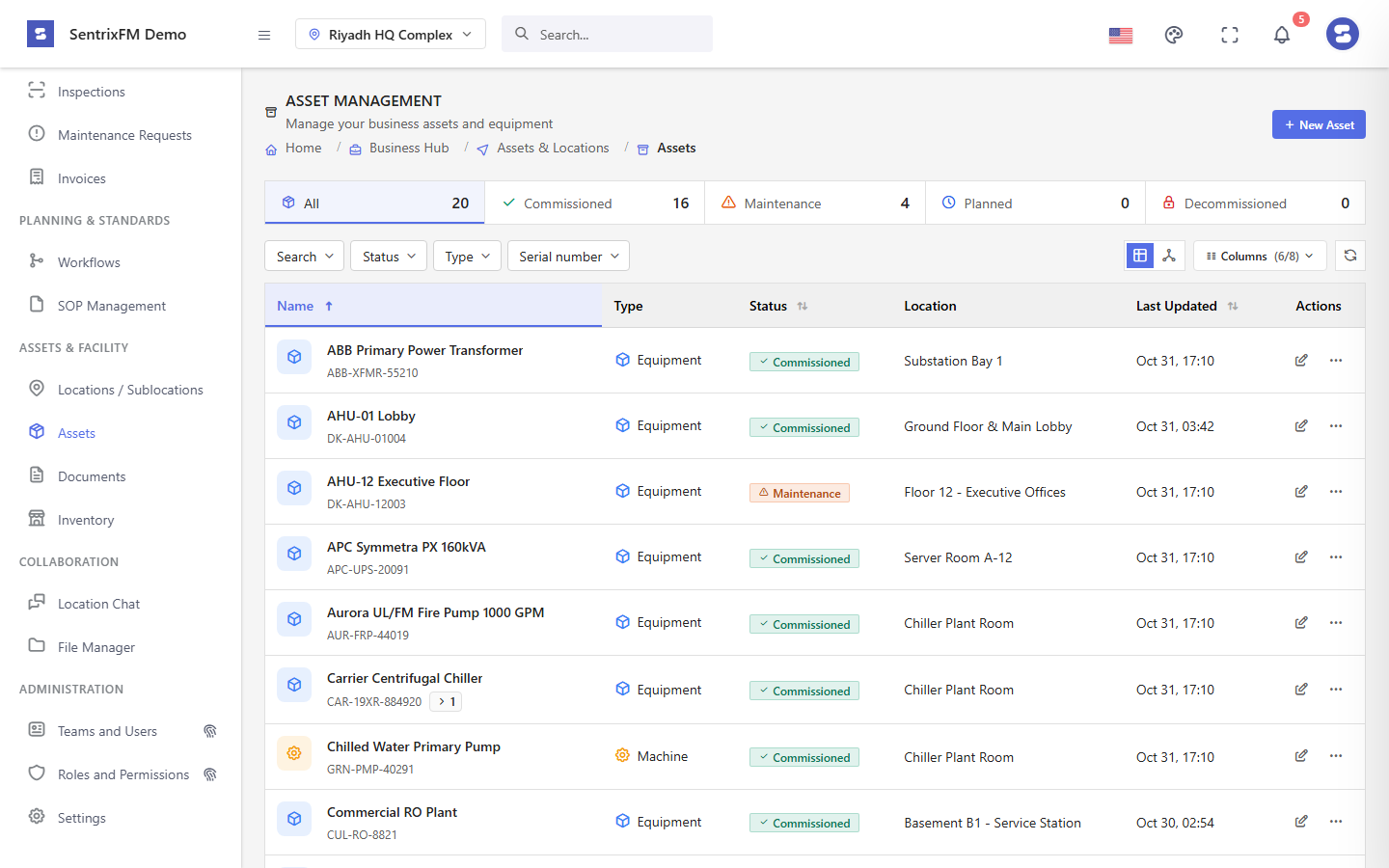
1 / 6Comprehensive tracking of all facility assets with automated depreciation, maintenance history, and real-time operational status.
Key Features
- Real-time Monitoring
- Automated Tracking
- Maintenance History
- Lifecycle Management
Use ← and → arrow keys to navigate
Overview
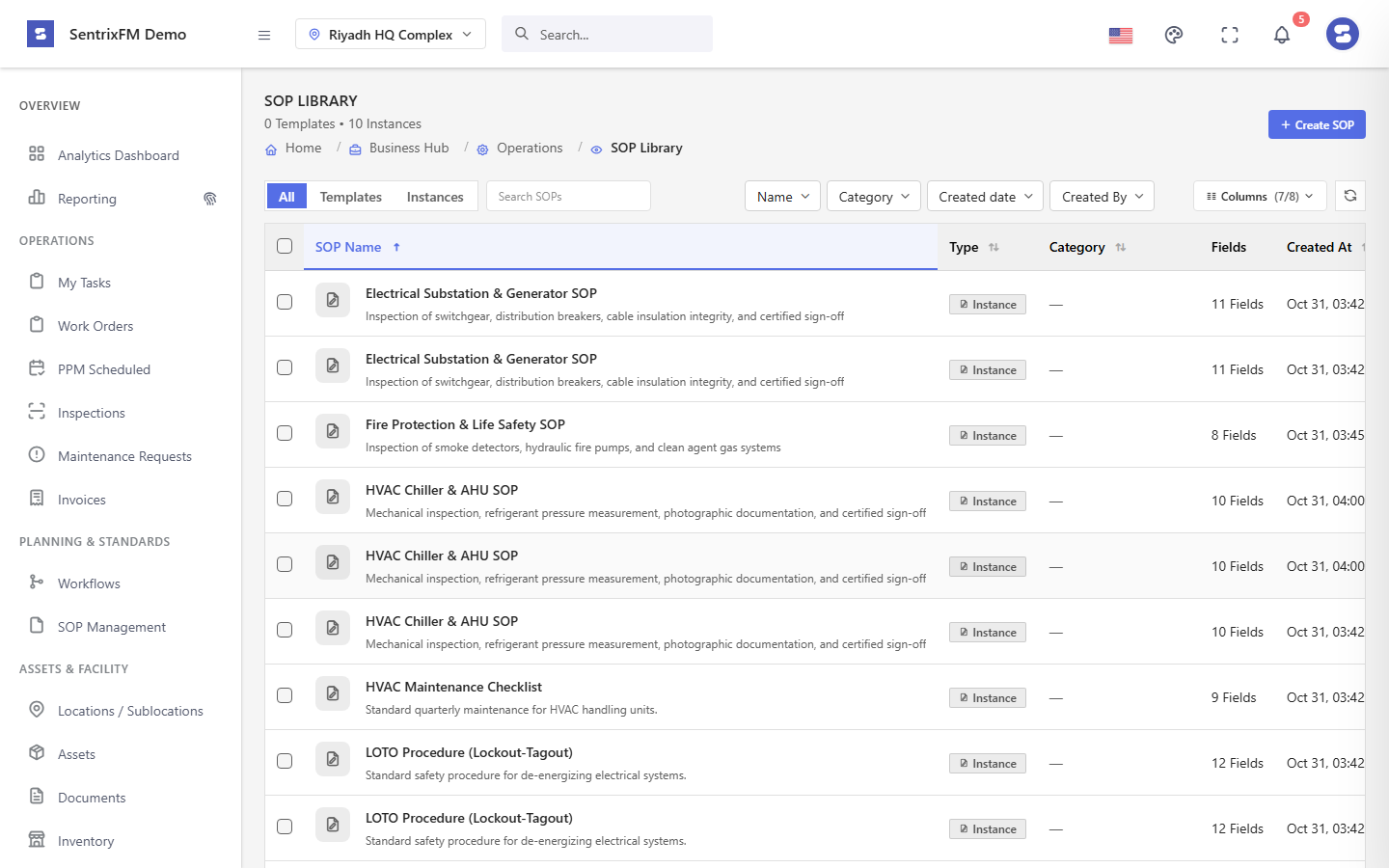
SentrixFM is a unified Computer-Aided Facility Management (CAFM) platform. It integrates maintenance management, asset tracking, location hierarchy, and work order operations. Strategic planning is visualized using BPMN.js workflows. Standard Operating Procedures (SOPs) and structured checklists enforce quality compliance and audit readiness across all field operations.
Getting Started
- Sign in to the manager portal: sentrixfm.com/manager/auth/login
- Each company's data is isolated in its own database schema.
- Switch features on or off per company in Settings.
- Import parts from a file; rows with errors are reported with a reason and existing stock is kept.
Modules
Maintenance Management
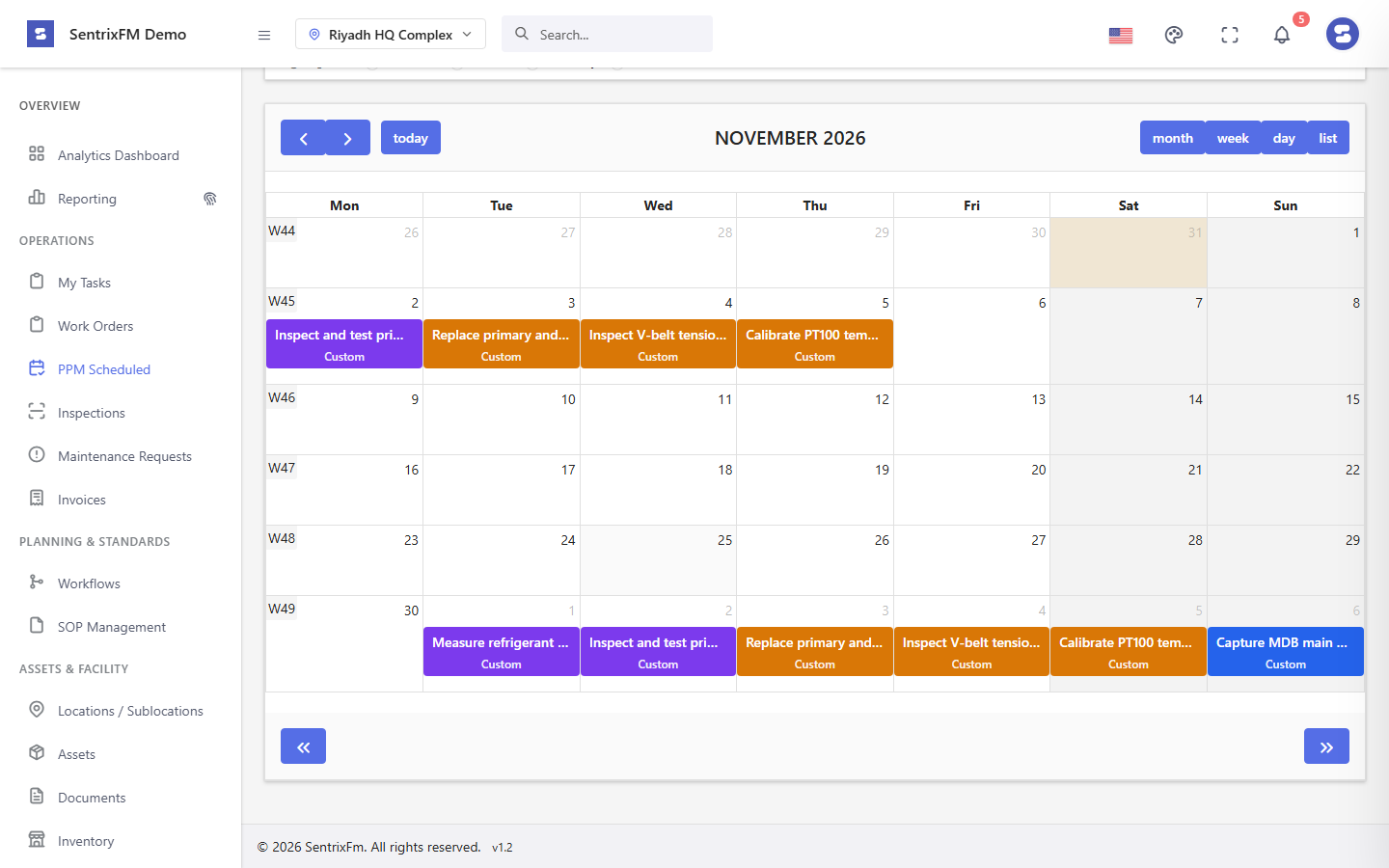
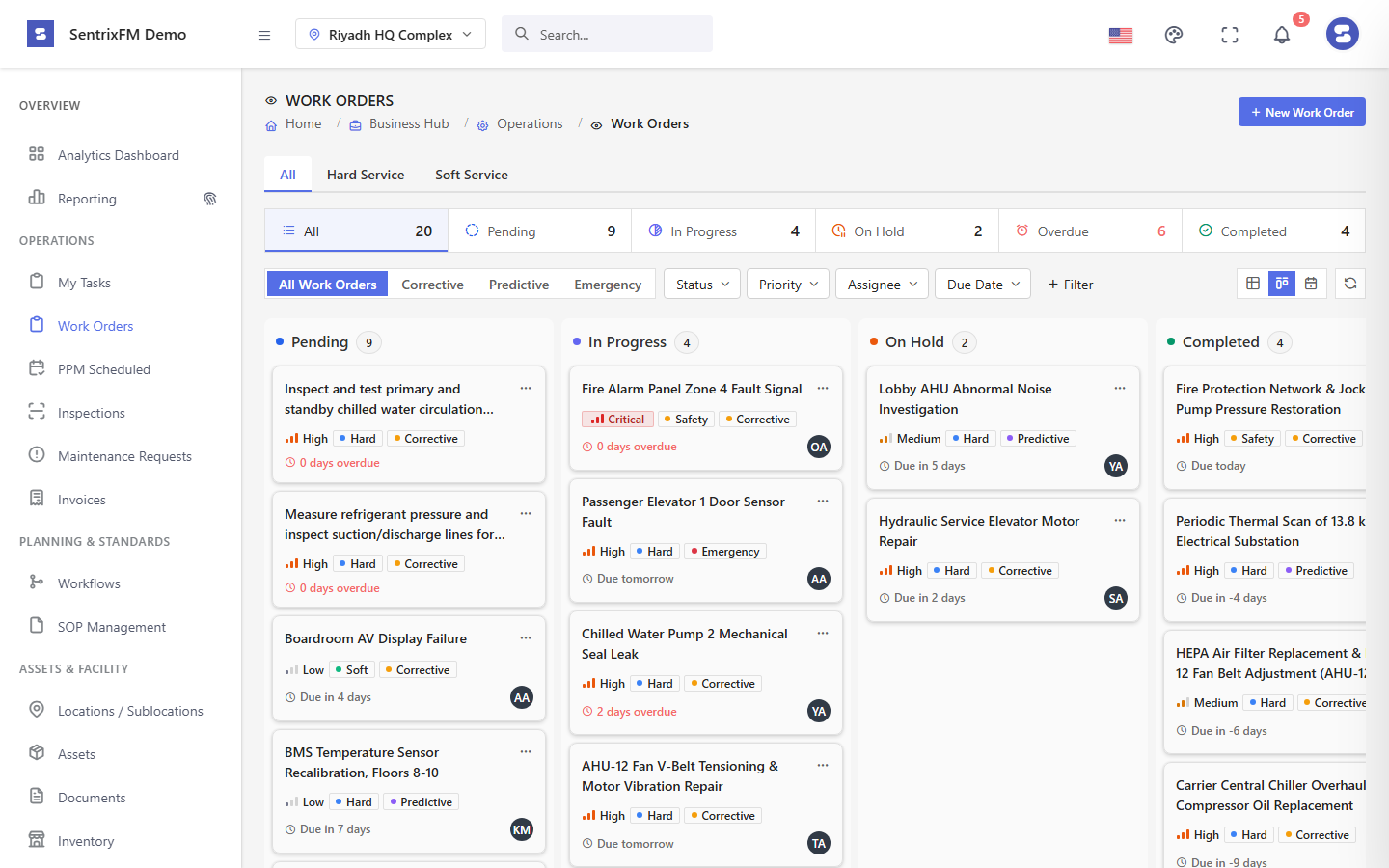
Preventive scheduling, work orders, prioritization, and progress tracking.
Asset Management
Four asset states, sub-assets and QR codes.
Location Management
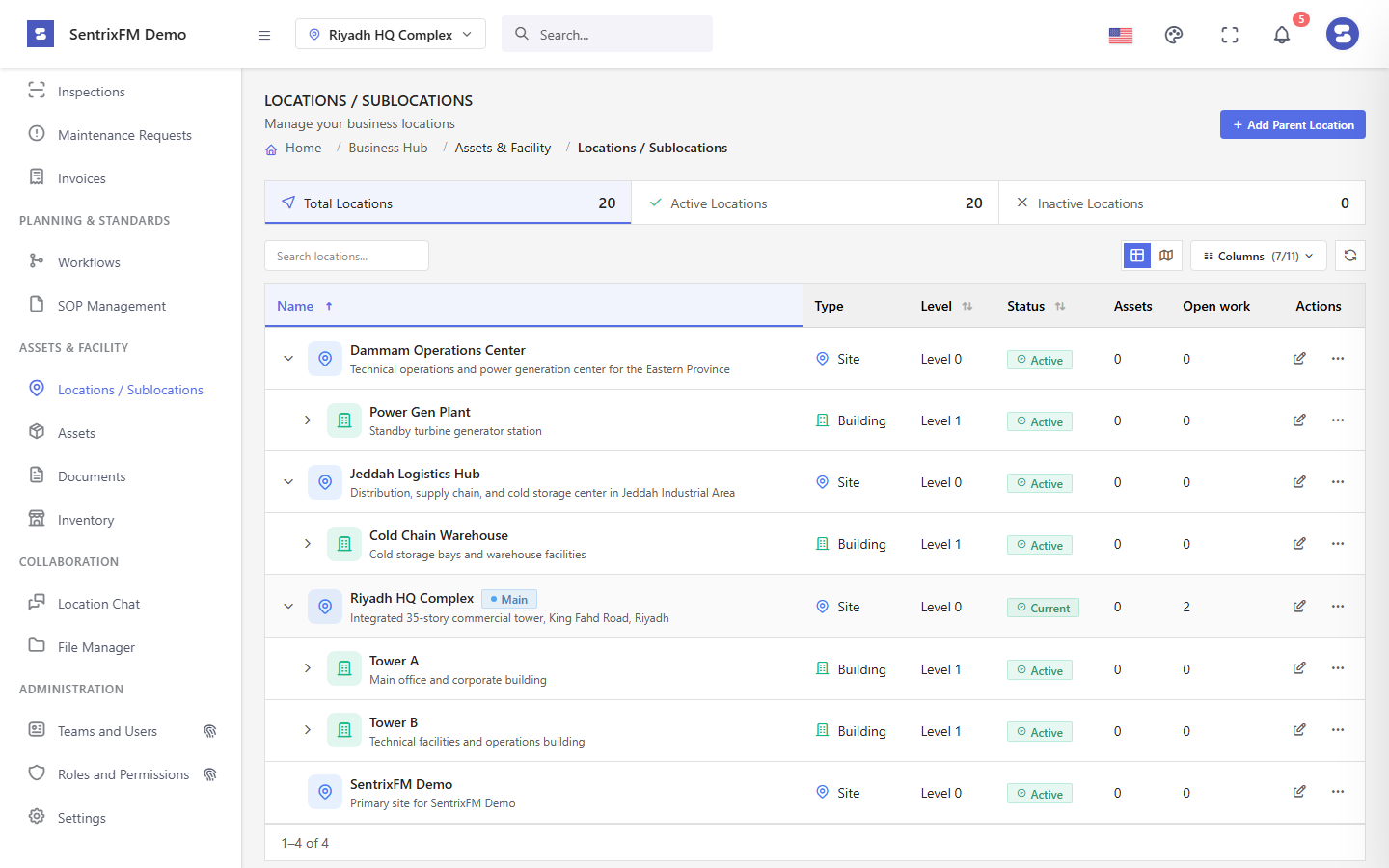
Facilities organized by buildings, floors, zones, with hierarchical mapping.
Work Orders
End-to-end requests, assignments, materials, and completion tracking.
Maintenance Strategy
- Workflows: Complex multi-step processes modeled with BPMN.js diagrams.
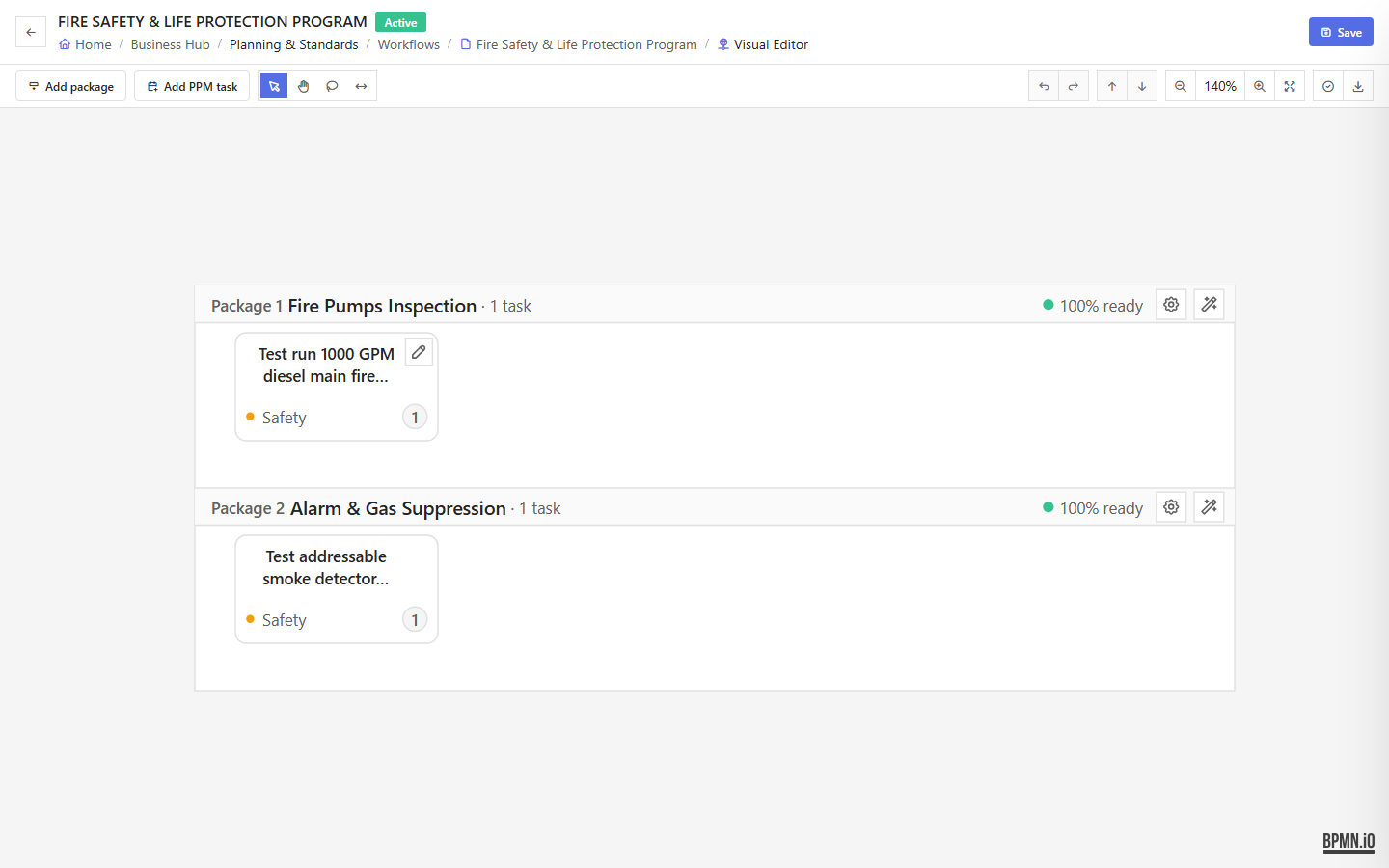
- Maintenance Packages: Grouped tasks executed together as a unit.
- Standalone Tasks: Quick ad-hoc work orders for tactical operations.
BPMN Workflows
Design and visualize maintenance processes using BPMN.js. Create swimlane-based workflows, attach packages, and define execution strategies (sequential, parallel, priority-optimized). Follow package progress as completed working items over the total.
For a visual, interactive walkthrough with the same screenshots, see the “Interactive Feature Walkthrough” carousel above.
Architecture & Security
- Multi-tenant architecture with schema-level isolation per organization.
- Four default roles plus your own, with access limited by location.
- Features switched on or off per company.
Onboarding
Set up your company in Settings: default language, timezone, theme, the public maintenance-request form and KPI targets. The next step is a live demo on one of your sites.
Pricing
Pricing is quoted for your sites and facility teams. Contact us for a quote, or book a live demo on one of your sites.