
Why define the problem before choosing the product?
Every system looks good in a demo, and you cannot judge one until you know what hurts today. Is preventive maintenance missing its dates? Are work orders closed without proof? Do you lack a clear view across many sites? Write the problem down in short sentences, then measure every system against it.
Practical steps before you contact any vendor:
- Write down three to five real problems in your team's words, for example: "We cannot see which work orders are late across our branches."
- Decide who will use the system: facility managers, supervisors, technicians and perhaps client staff who raise requests.
- Set the scope: roughly how many buildings and sites, which asset types, and whether you manage your own facilities or other clients' facilities.
- Know what you have today: spreadsheets, an old system or paper. Moving the data is part of the project, not a side detail.
- Agree internally on what success means: what must change after go-live for the purchase to count as a success?
What should be on your requirements list?
For most facility teams, the core requirements are: planned preventive maintenance, work orders, assets, a location structure, Arabic support, reports, stock, cost, and roles and permissions. Rank them against your problem. Mark what is mandatory, what is important and what can wait until a later phase.
| Area | What to check |
|---|---|
| Planned preventive maintenance (PPM) | Recurrence options, respect for your holidays and your own weekend, and turning the schedule into work orders without manual entry |
| Work orders | Clear statuses, an owner for every order, and what is required before closing |
| Assets | A record per asset with its location, status and history |
| Locations | A structure that runs from campus or branch down to building, floor and room |
| Arabic | A complete right-to-left Arabic interface, not a partial translation of some screens |
| Reports | Ready reports for management and clients, and KPIs against targets you set yourself |
| Stock | Consumables, quantities, reorder levels and stock movements in and out |
| Cost | Work-order cost, asset lifetime cost and how stock is costed |
| Roles and permissions | Who sees what, who approves, and whether access can be limited by location |
Tip: do not write "we want everything". A good requirement can be tested, for example: "The system must block closing a fire work order without an after photo."
What questions should you ask the vendor?
Ask questions whose answers can be proven on screen, not just described. Four areas matter most: how your company's data is kept apart from other companies' data, how complete the Arabic support really is, whether access can be limited by location, and what evidence the system requires before a work order can close. Ask the vendor to show you every answer on screen.
Data isolation
- How is our data separated from other companies on the same platform?
- If we are an FM contractor, how do we keep each client's data apart?
- Where is the data hosted, and who on the vendor's team can access it?
Language
- Is the Arabic interface complete and right to left, or do some screens stay in English?
- Are reports and notifications available in Arabic?
- Exactly which languages are supported?
Access by location
- Can a technician or supervisor see only their own sites?
- Can we create our own roles, or are we limited to fixed ones?
Evidence at close
- What stops a work order from being closed without the work being done?
- Can we require an after photo, a note, logged time, a quality check or client approval, depending on the service type?
- How is client approval recorded, and who records it?
General
- Which features exist today, and which are only planned? Ask for the split in writing.
- How is our current data moved in, and how do we get it out if we leave?
How do you evaluate a demo?
Judge a demo with your own data and scenarios, not the vendor's prepared script. Before the meeting, ask to see a real working day: a maintenance request becoming a work order, a PPM generating automatically, a close with proof, and then a report. Watch what is not shown as closely as what is shown.
- Send your scenarios in advance: a real site, some assets, a PPM with its frequency, and a public holiday that falls within the month.
- Ask for the demo in Arabic if your team will work in Arabic, and check whether every screen flips right to left.
- Try to close a work order without proof: does the system stop you?
- Log in as a technician or supervisor: do they see only their assigned sites?
- Open a report your management needs and check whether the figures make sense without the vendor explaining them.
- Bring the people who will use the system: a technician, a supervisor and a manager, not only procurement.
- Write down every "we will add that later" and treat it as missing.
What are the common buying mistakes?
The most common mistakes are buying from a long feature list with no clear problem, trusting the vendor's prepared demo, leaving technicians out of the evaluation, accepting promises of future features, and ignoring data migration and training. Each of these shows up after signing, when it is harder and more expensive to fix.
- A feature list with no priorities: the system with the most features wins, not the one that solves your problem.
- A demo run on the vendor's scenario: everything works on prepared data.
- Leaving out daily users: if technicians dislike the system, the data never reaches it.
- Buying on promises: a feature "in development" is not a feature.
- Overlooking Arabic: a partial translation means half the team works in a language they do not prefer.
- Ignoring permissions: if everyone sees everything, accountability gets lost and information leaks.
- Forgetting migration and training: a good system with incomplete data helps no one.
A simple checklist
- Real problems are written down and agreed internally
- Users and scope are defined
- Requirements are ranked: mandatory, important, can wait
- Questions on data isolation, language, access by location and evidence at close are sent to the vendor
- The demo uses our scenarios and our data
- A technician, a supervisor and a manager attended the evaluation
- Features available today are separated in writing from planned ones
- A plan for data migration and training is clear
How SentrixFM answers each item
SentrixFM is a multi-tenant CAFM: maintenance, assets, locations and work orders in one working-item model.
| Item | SentrixFM's answer |
|---|---|
| Scope | Plan to proof in one chain: Workflow, Maintenance Package, PPM, Work Order, SOP, quality check, client approval |
| Language | Arabic and English with full right-to-left layout in the web app; only these two languages |
| Data isolation | Each company's data is isolated in its own database schema |
| PPM | PPM recurrence presets: daily, weekly, bi-weekly, monthly, bi-monthly, quarterly, semi-annual, yearly, every Monday, custom |
| Evidence at close | Completing a work order checks the gates your company switches on per service type: time logged, after photo, completion note, SOP, quality check, client approval |
| Access by location | Users see only locations assigned to them |
| Roles | Four default roles (Company Owner, Facility Manager, Technician, User); each company can also create its own roles, and every access rule follows the role's permissions; access also limited by location |
| Stock | Stores and consumables with SKU, quantity, min, max, reorder level; stock transactions (in, out, adjustment, transfer), reservations on approval, reorder alerts |
| Stock costing | The company chooses its stock costing method: weighted average, FIFO or FEFO; stock receipts are kept as cost layers |
| Work-order cost | A work order has a Cost and time tab: parts used, labour time and external cost lines roll up into the work order cost |
| Asset cost | Each asset has a cost tab with its lifetime cost |
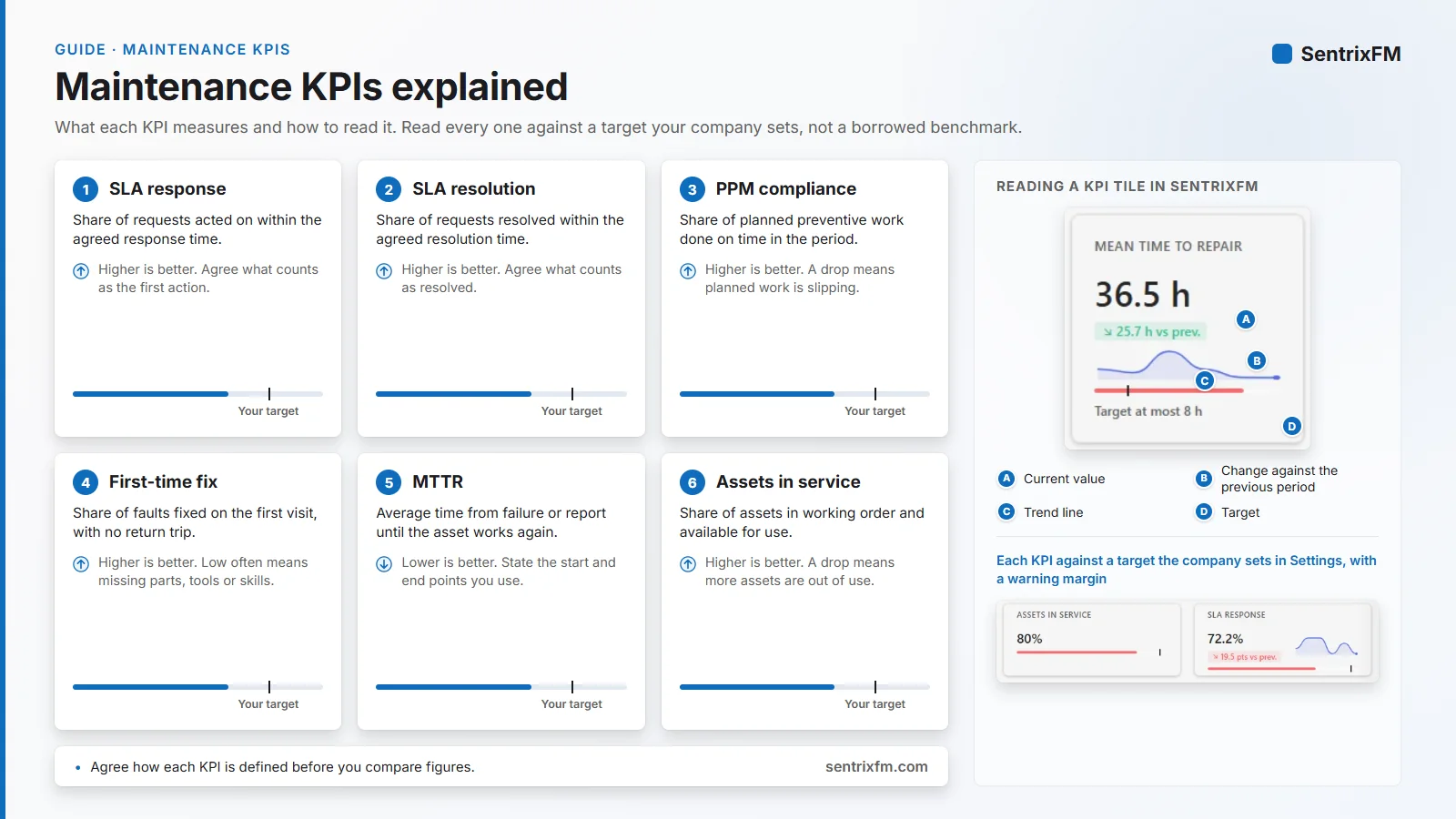
| KPIs | Six KPIs, each against a target the company sets (with a warning margin) in Settings: SLA response, SLA resolution, PPM compliance, first-time fix, MTTR, assets in service |
| Reports | Five reports: work-order summary, asset health, PPM compliance, KPI scorecard (KPI against target, six-period trend, breakdown one level down), work-order KPIs. Reports can be submitted, signed, approved or rejected, and verified by report number |
Next step: live demo on one of your sites. Contact contact@sentrixfm.com or sentrixfm.com.